- ✓
Motorsound in Echtzeit.Engine sound in real time.
Der Klang passt sich laufend an Gaspedalstellung, abgerufene Leistung und Geschwindigkeit an – vom ruhigen Leerlauf bis zum Hochdrehen unter Last.
The sound continuously adapts to the accelerator position, the power being used and the speed – from a calm idle to revving up under load.
- ✓
Simulierte Gangschaltung.Simulated gearbox.
Die App schaltet hörbar hoch und runter. Der Schaltpunkt ist wählbar – von früh und niedertourig bis sportlich spät.
The app shifts up and down audibly. The shift point is adjustable – from early and low-revving to a sporty, late shift.
- ✓
Echte Fahrzeugdaten.Real vehicle data.
SoundSIM liest Gaspedal (%), Leistung (%), Geschwindigkeit und Gang direkt über die Fahrzeug-Sensoren – der Sound entsteht also aus dem, was das Auto wirklich tut.
SoundSIM reads the accelerator (%), power (%), speed and gear directly from the vehicle sensors – so the sound is driven by what the car is actually doing.
- ✓
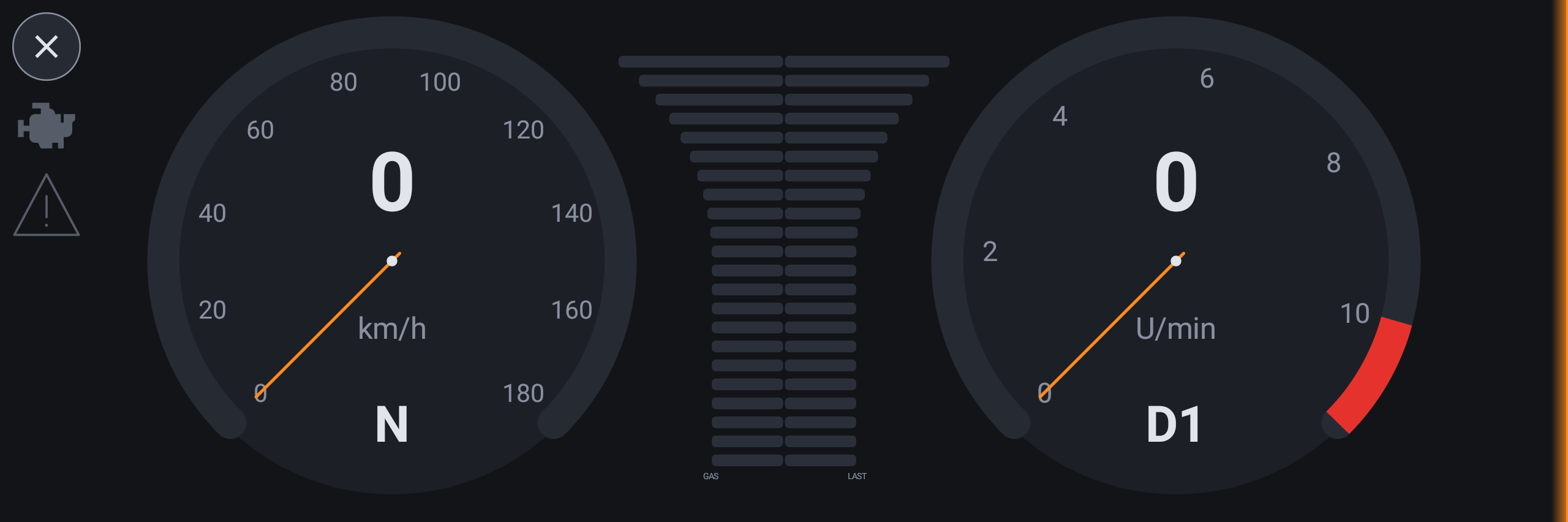
Zwei große Rundinstrumente.Two large gauges.
Links der Tacho, rechts der Drehzahlmesser, dazwischen eine Anzeige für Gas und Last – im Vollbild über die ganze Breite des Displays.
Speedometer on the left, tachometer on the right, with a gas-and-load display in between – full screen across the whole width of the display.
- ✓
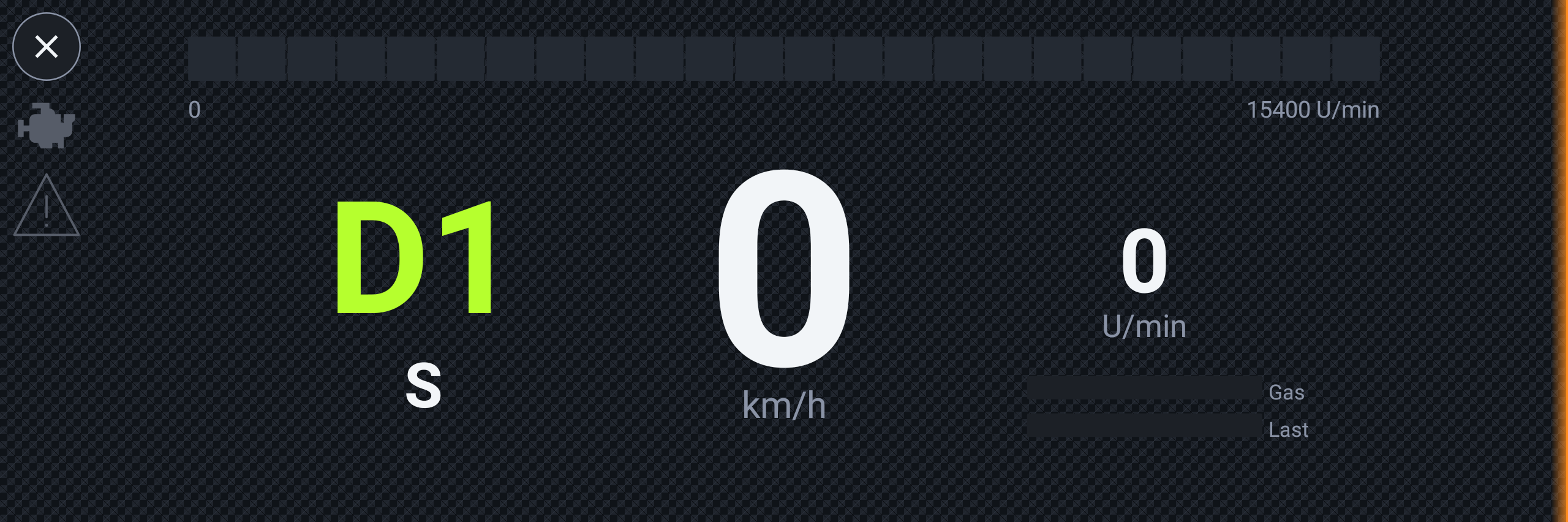
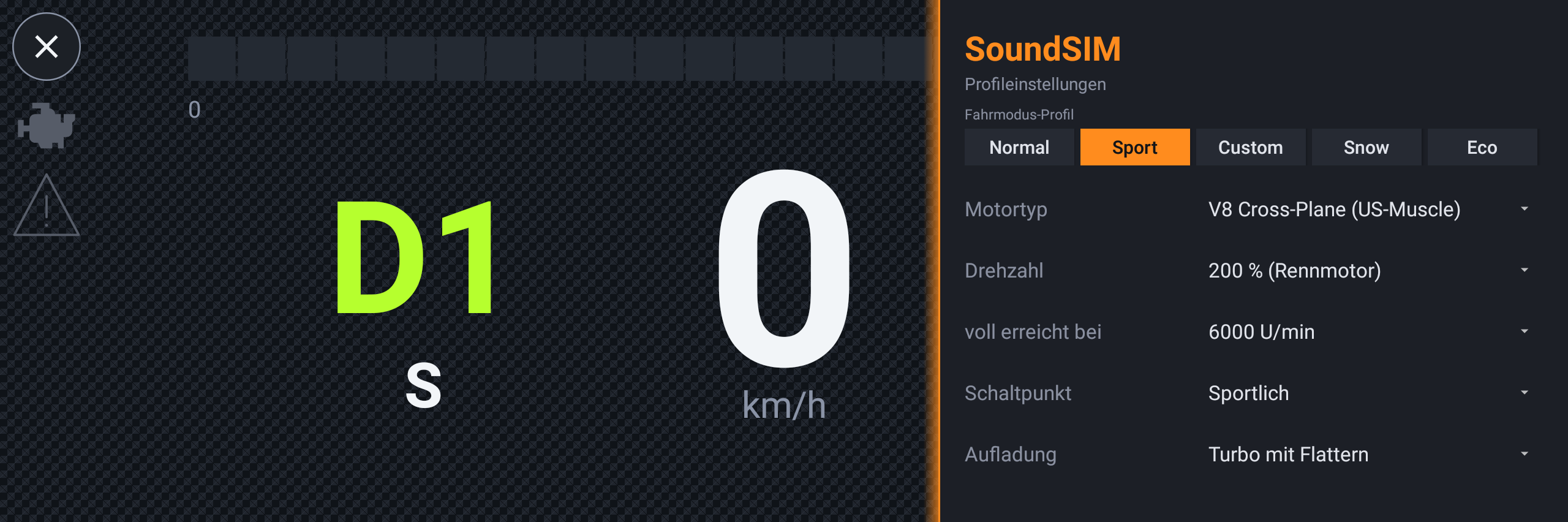
Fünf Fahrmodus-Profile.Five drive-mode profiles.
Normal, Sport, Custom, Snow und Eco – jedes mit eigenem Klang und eigenem Design (zum Beispiel ein Renn-HUD im Sport-Profil). Die Umschaltung erfolgt in der App oder automatisch über die Fahrmodus-Taste am Lenkrad.
Normal, Sport, Custom, Snow and Eco – each with its own sound and its own look (for example a race HUD in the Sport profile). You switch in the app or automatically via the drive-mode button on the steering wheel.
- ✓
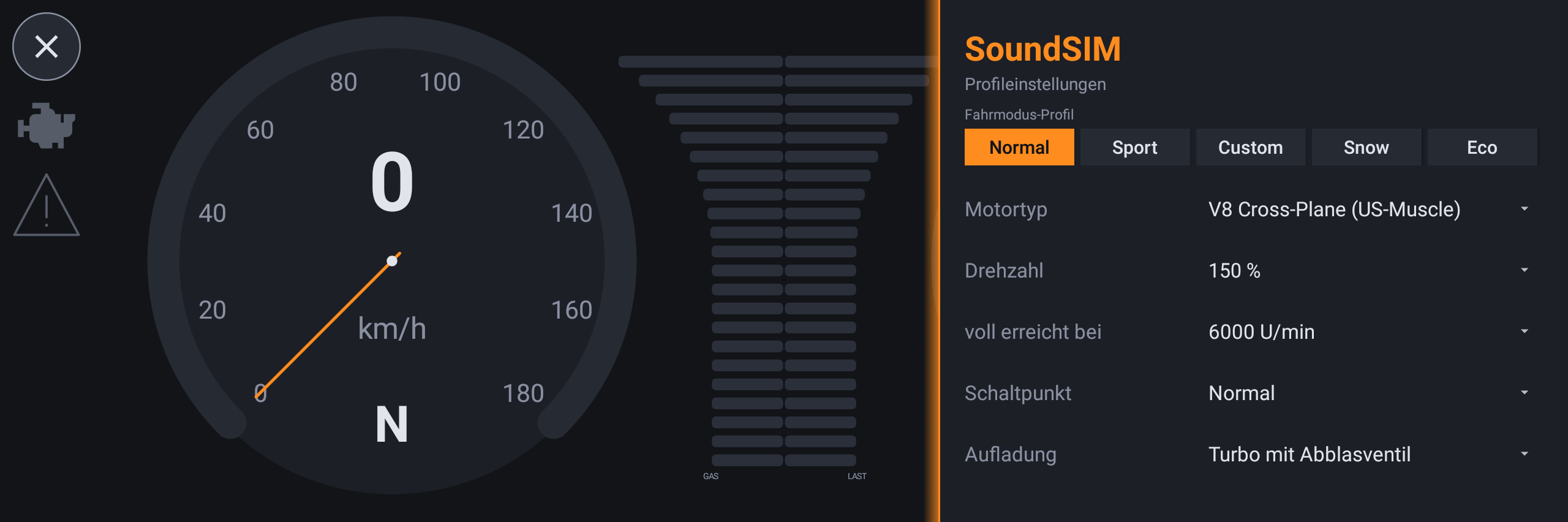
Umfangreiches Konfigurationspanel.Extensive configuration panel.
Vom rechten Rand wischt man die Einstellungen herein: Motortyp, Drehzahl-Skalierung, Schaltpunkt, Aufladung (Turbo mit Ventil oder Flattern), Innenraumanteil, Lautstärke (100–500 %) und Audio-Ausgabe – alles pro Profil, mit „Standard"-Knopf zum Zurücksetzen.
Swipe the settings in from the right edge: engine type, rev scaling, shift point, forced induction (turbo with blow-off or flutter), interior level, volume (100–500 %) and audio output – all per profile, with a "Standard" button to reset.
- ✓
Spielt neben dem Radio.Plays alongside the radio.
Der Motorsound legt sich über die laufende Musik oder Navigation, ohne sie zu unterbrechen – Radio und Sound laufen gleichzeitig.
The engine sound layers over the current music or navigation without interrupting it – radio and sound play at the same time.