MG4 Apps
← Alle Apps← All apps
🎬

SimpleVideoPlayer

Multimedia Version 0.3.4

Videos vom USB-Stick direkt im Auto ansehen – übersichtlich nach Ordnern sortiert, mit großen Vorschaubildern und einfacher Vollbild-Steuerung. Die App merkt sich, wo du stehengeblieben bist. Watch videos from your USB stick right in the car – neatly sorted into folders, with large thumbnails and simple full-screen controls. The app remembers where you left off.

FunktionenFeatures

Screenshots

So sieht die App am MG4-Bildschirm aus.How the app looks on the MG4 screen.
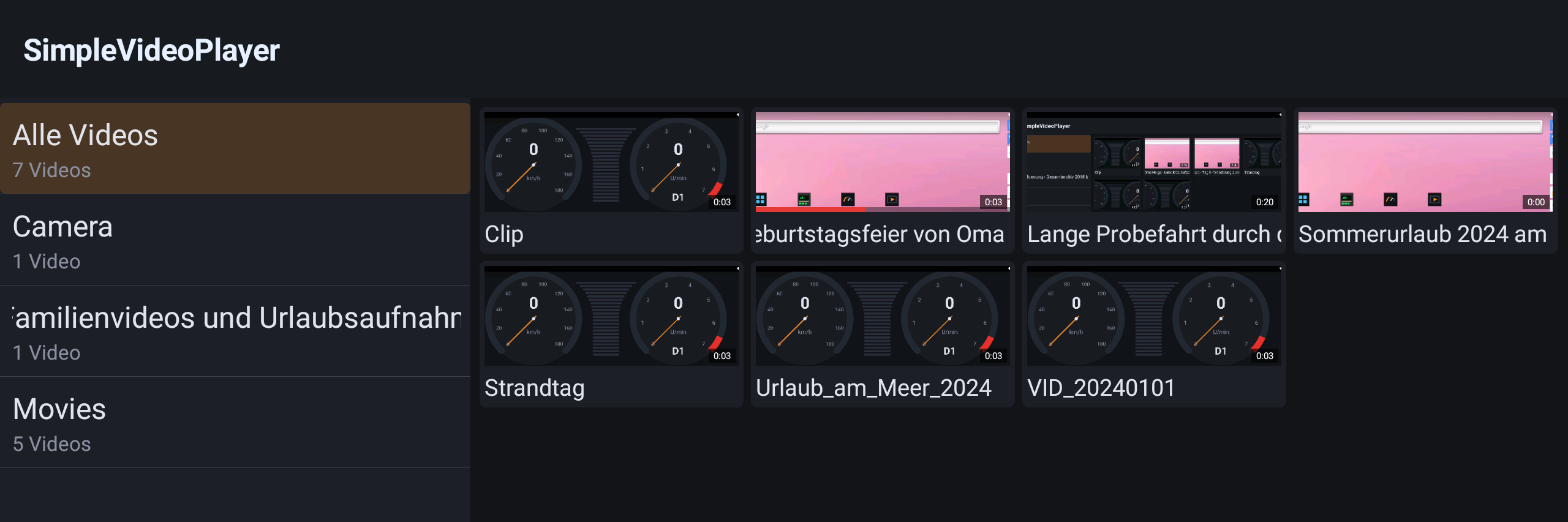
SimpleVideoPlayer – Auswahl
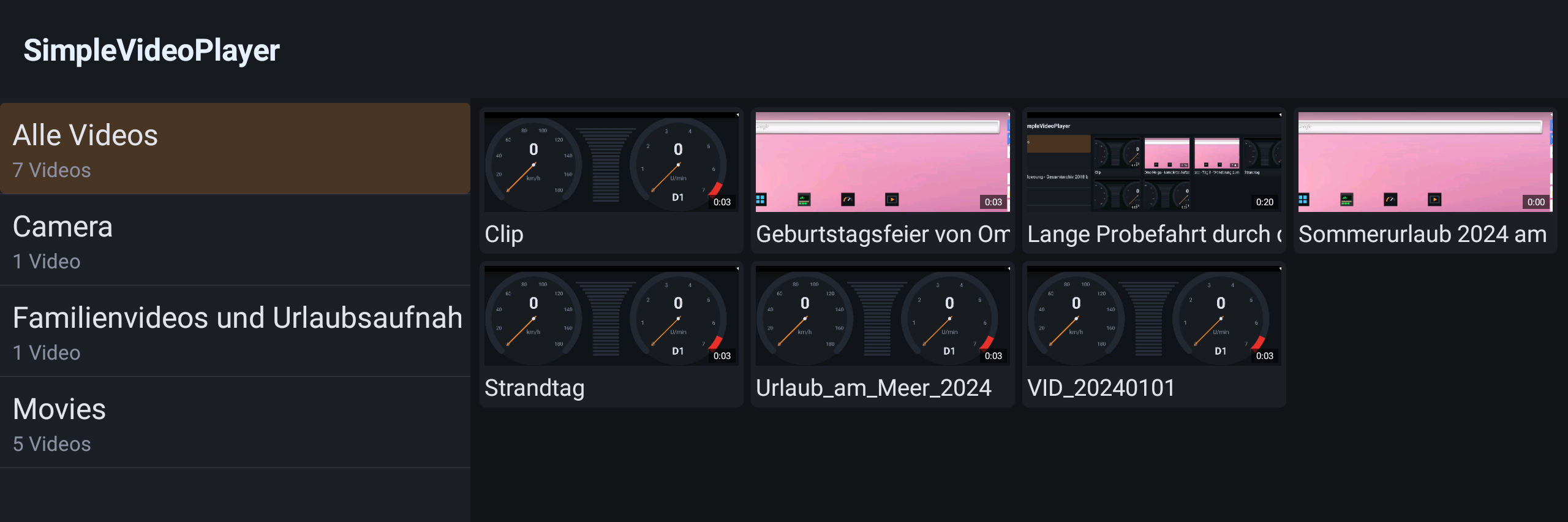
Auswahl: Ordner links, Videokacheln mit Vorschaubild und (durchlaufenden) Titeln rechts.Browser: folders on the left, video tiles with thumbnails and (scrolling) titles on the right.
SimpleVideoPlayer – Fortschrittsbalken
Der rote Balken am unteren Rand einer Kachel zeigt, wie weit das Video schon gesehen wurde.The red bar along the bottom of a tile shows how far the video has already been watched.
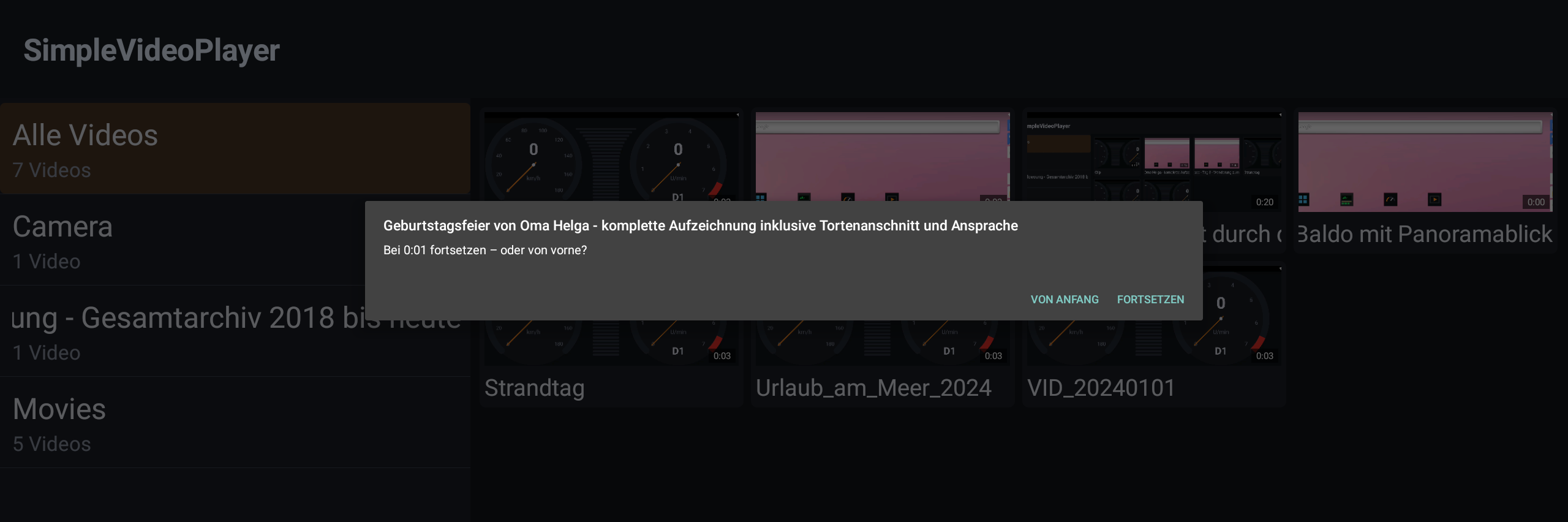
SimpleVideoPlayer – Fortsetzen-Dialog
Beim Öffnen eines angefangenen Videos: fortsetzen oder von Anfang starten?When opening a started video: resume or start from the beginning?
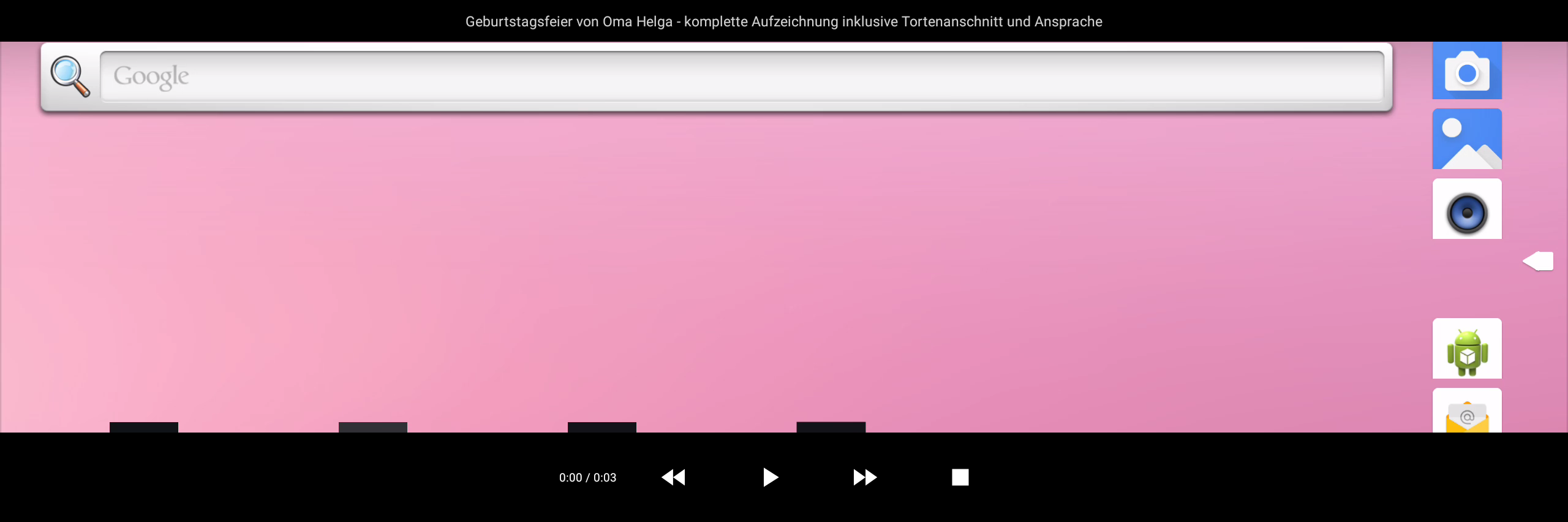
SimpleVideoPlayer – Vollbild
Vollbild-Wiedergabe mit Steuerleiste: Titel oben, Zeitanzeige und die Tasten für Spulen, Play/Pause und Stop.Full-screen playback with the control bar: title on top, time display and the buttons for seeking, play/pause and stop.

BedienungHow to use

  1. USB-Stick anstecken.Plug in the USB stick. Videos vom USB-Stick erscheinen automatisch, nach Ordnern gegliedert. Videos from the USB stick appear automatically, grouped into folders.
  2. Ordner wählen.Pick a folder. Links einen Ordner antippen – oder „Alle Videos" für alles auf einmal. Tap a folder on the left – or "All videos" to see everything at once.
  3. Video starten.Start a video. Kachel antippen. Gab es schon eine Position, fragt die App, ob fortgesetzt werden soll. Tap a tile. If there is a saved position, the app asks whether to resume.
  4. Im Vollbild steuern.Control in full screen. Bildschirm antippen, um die Steuerleiste ein- und auszublenden; Stop beendet die Wiedergabe. Tap the screen to show or hide the control bar; Stop ends playback.