- ✓
Übersichtliche Spielauswahl.Clear game browser.
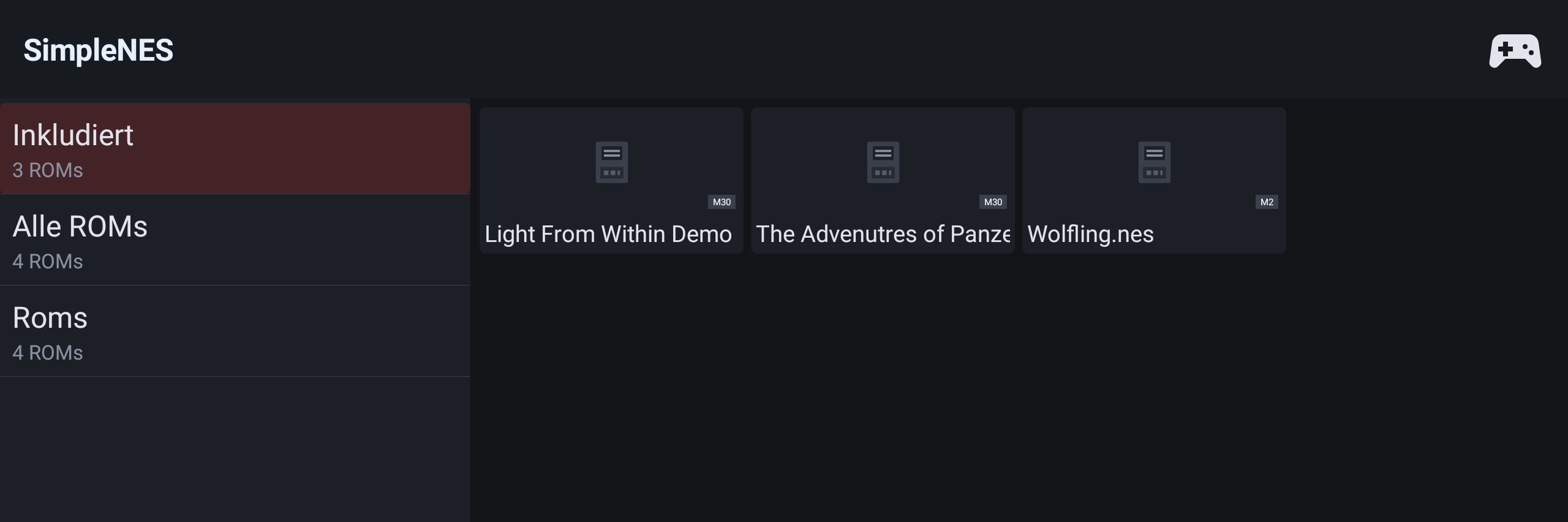
Links die Ordnerliste, rechts die Spiele als Kacheln – genau wie im Videoplayer. Ganz oben „Inkludiert" mit den mitgelieferten Spielen, darunter deine ROMs vom USB-Stick.
A folder list on the left, games as tiles on the right – just like the video player. "Included" at the top holds the built-in games, below that your own ROMs from the USB stick.
- ✓
Bild und Ton.Picture and sound.
Die Spiele laufen im Vollbild mit originalgetreuem NES-Sound über die normale Medienwiedergabe des Autos.
Games run full screen with authentic NES sound through the car's normal media output.
- ✓
Steuerleiste mit Speicherständen.Control bar with save states.
Ein Tippen hält das Spiel an und zeigt Speichern, Laden, Neustarten und Stop. Beim Schließen läuft ein kurzer Countdown, bevor es weitergeht.
A tap pauses the game and shows Save, Load, Restart and Stop. On closing, a short countdown runs before play resumes.
- ✓
Fünf Speicherplätze pro Spiel.Five save slots per game.
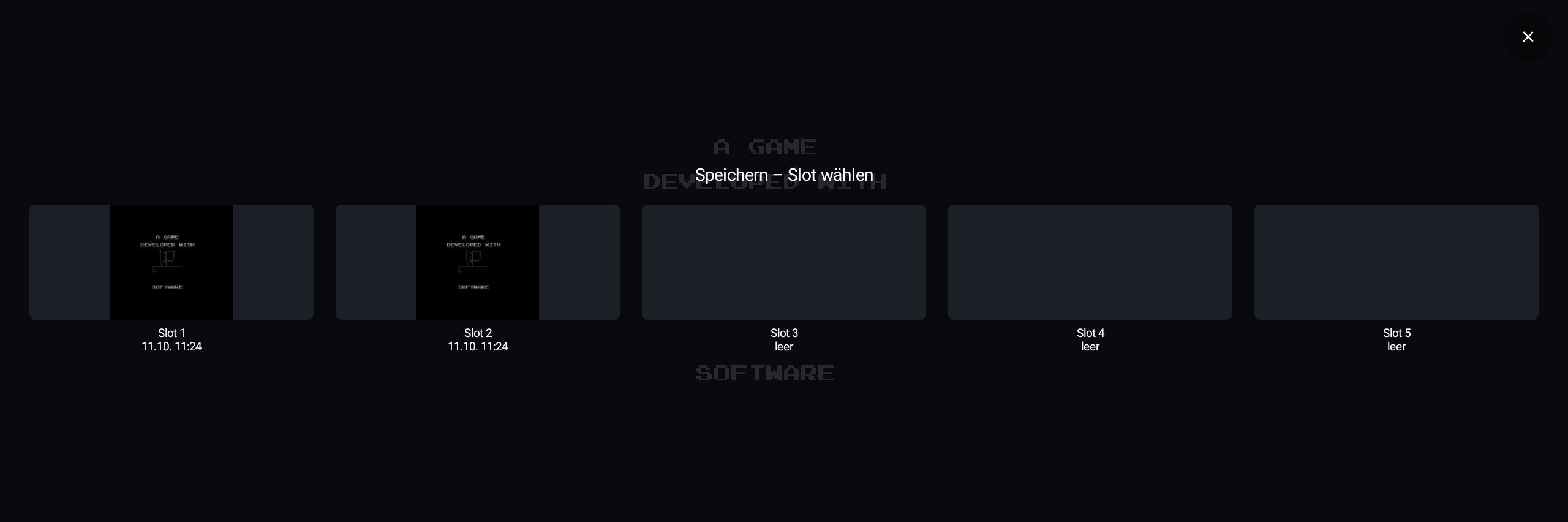
Jeder Speicherplatz zeigt ein kleines Vorschaubild vom Spielstand, damit du sofort siehst, was gespeichert ist.
Each slot shows a small preview image of the saved state, so you can see at a glance what is stored.
- ✓
Weiterspielen, wo du aufgehört hast.Continue where you left off.
Der letzte Spielstand wird automatisch gemerkt und beim Start pausiert geladen – so hast du Zeit, dich vorzubereiten. Ein grüner Punkt markiert Spiele, die fortgesetzt werden können.
The last game state is remembered automatically and loaded paused on start – so you have time to get ready. A green dot marks games that can be continued.
- ✓
USB-Controller statt Touch.USB controller instead of touch.
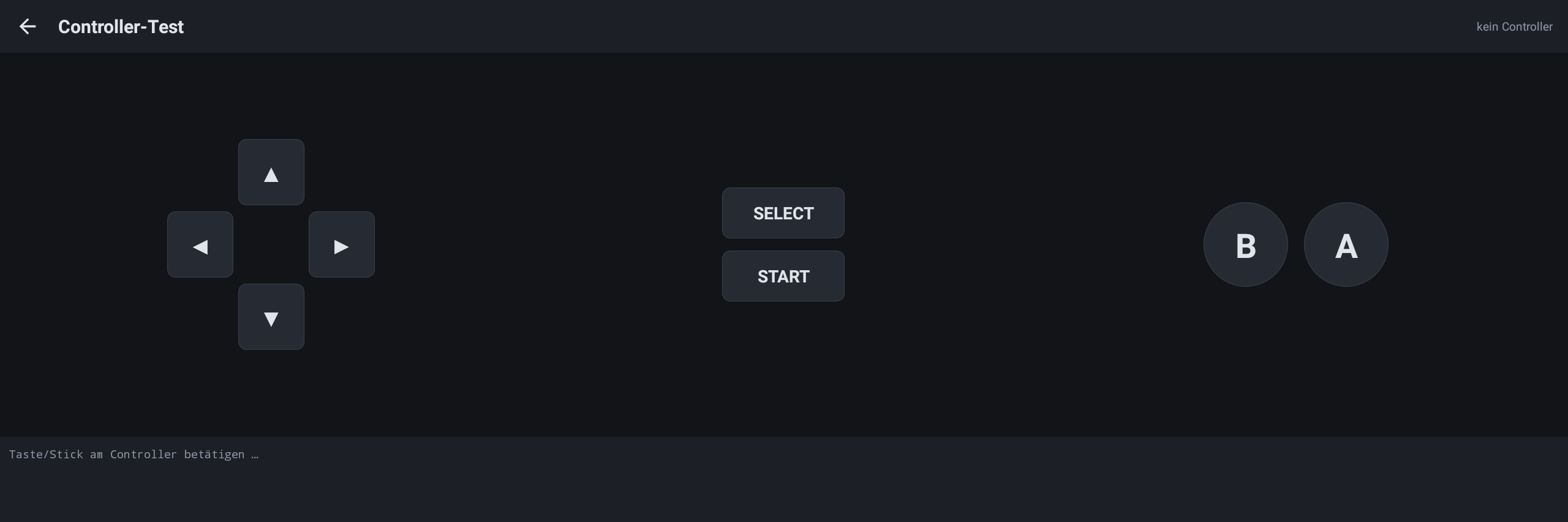
Gespielt wird mit einem USB-Controller (kein Bluetooth). Ein eigenes Testmenü zeigt, ob alle Tasten erkannt werden. Weil der Bildschirm fest verbaut ist, gibt es bewusst kein Touch-Gamepad.
You play with a USB controller (no Bluetooth). A dedicated test menu shows whether all buttons are recognised. As the screen is fixed in place, there is deliberately no touch gamepad.