- ✓
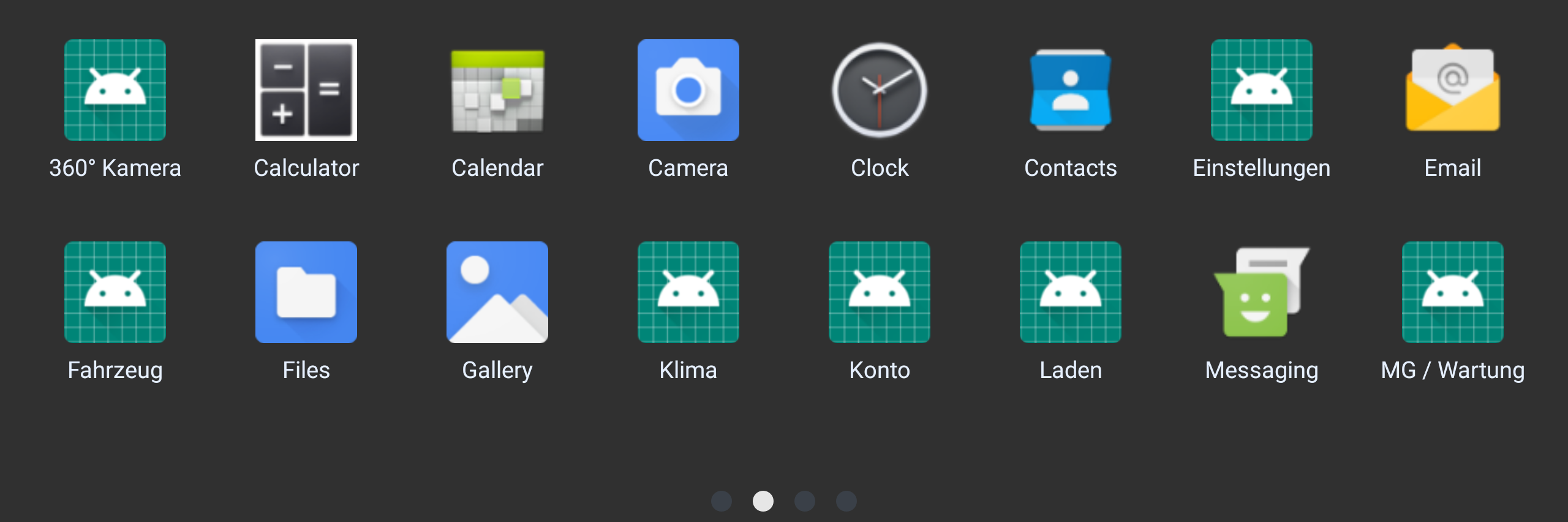
Startmenü für alle Apps.Home menu for every app.
Alle installierten Apps liegen als großes Icon-Raster auf einer Oberfläche – einfach wischen, um zwischen den Seiten zu blättern.
All installed apps appear as a large icon grid on one surface – just swipe to page through them.
- ✓
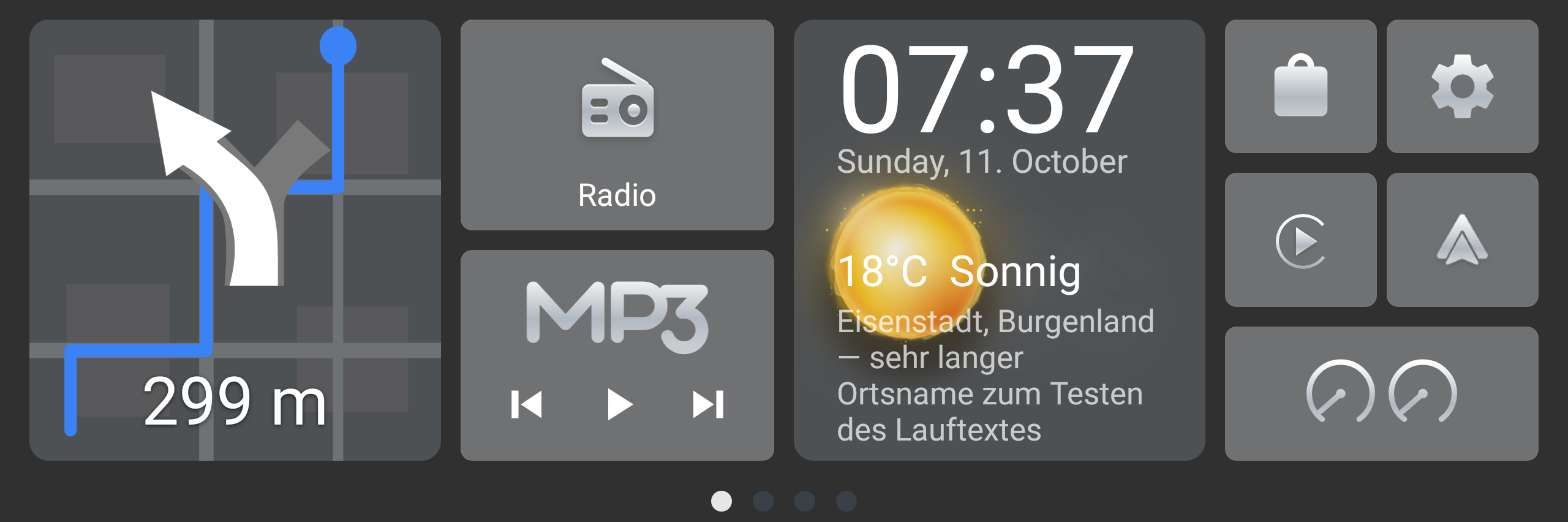
Live-Navigationskachel.Live navigation tile.
Während der Fahrt zeigt die Kachel den nächsten Abbiegepfeil und die Entfernung bis zum Manöver – die Daten kommen direkt vom Fahrzeug, kein Zweitgerät nötig.
While driving, the tile shows the next turn arrow and the distance to the maneuver – the data comes straight from the car, no second device needed.
- ✓
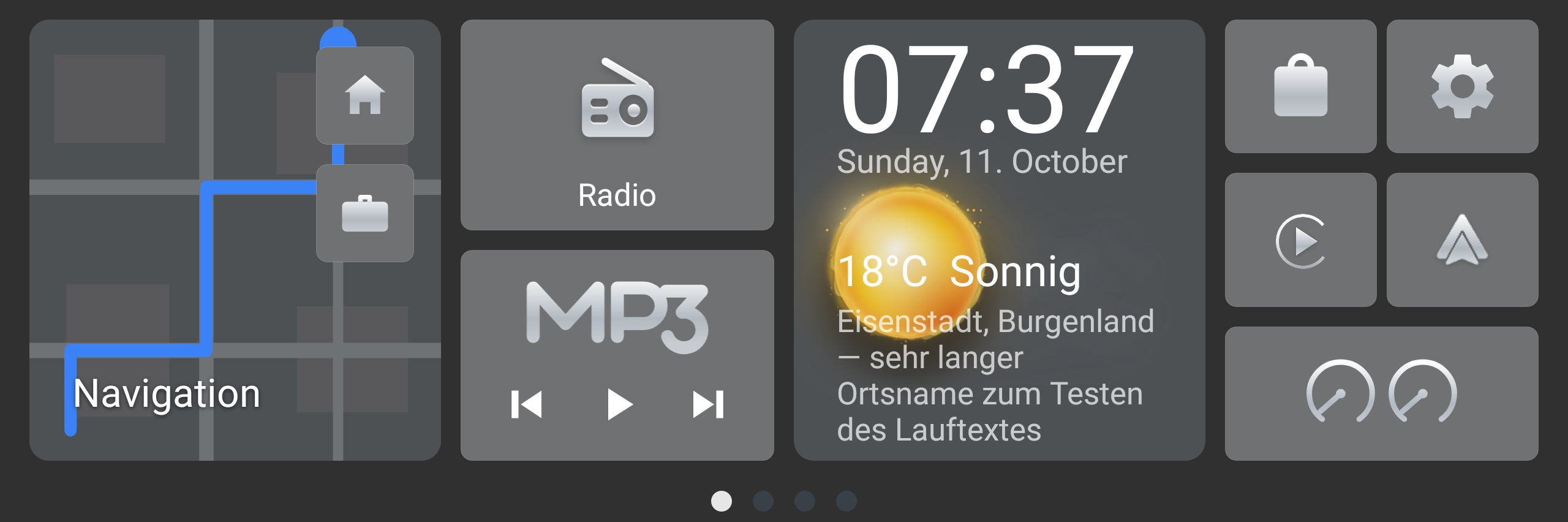
Schnellziele Zuhause & Arbeit.Home & Work shortcuts.
Zwei kleine Tasten auf der Navi-Kachel starten die Navigation direkt nach Hause oder zur Arbeit – ein Tipp genügt.
Two small buttons on the navigation tile start guidance straight home or to work – a single tap.
- ✓
Medien direkt vom Startbildschirm.Media right from the home screen.
Radio öffnen und den Musik-Player (Titel vor/zurück, Play/Pause) steuern, ohne die App zu wechseln. Dazu Uhr und aktuelles Wetter.
Open the radio and control the music player (prev/next, play/pause) without switching apps. Plus clock and current weather.
- ✓
Schnellzugriff auf CarPlay, Android Auto & mehr.Quick access to CarPlay, Android Auto & more.
Eigene Tasten für Apple CarPlay, Android Auto, SoundSIM, den App-Store und die Einstellungen – alles vom Startbildschirm aus.
Dedicated buttons for Apple CarPlay, Android Auto, SoundSIM, the app store and settings – all from the home screen.
- ✓
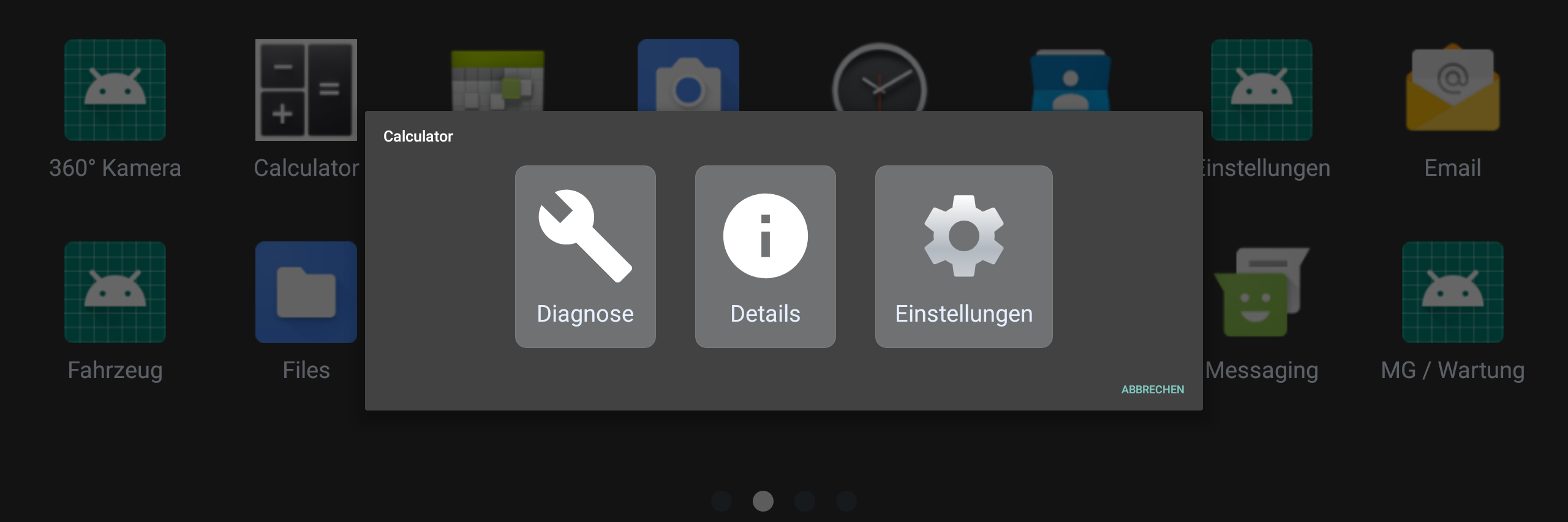
Langes Drücken = App-Menü.Long-press = app menu.
Ein App-Icon gedrückt halten öffnet ein Menü mit Details, Deinstallieren, Diagnose und App-Einstellungen.
Press and hold an app icon to open a menu with details, uninstall, diagnostics and per-app settings.